

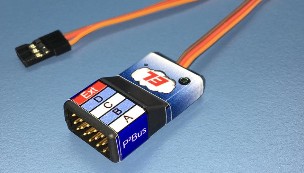

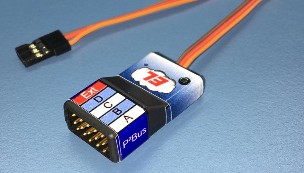
TeleBridge HUB (4/1) V16
– 4 Ports P²Bus
– 1 Port Jeti/JetCat
In this context, sensors are e.g. Height measurement, engine controls (ESC), turbines ECU and much more
The sensors only have to support the unencrypted EX-BUS protocol or Jeti EX.
Many manufacturers offer telemetry-capable devices that support these protocols.
All of these devices can be connected to CORE telemetry via the Ext-Port.
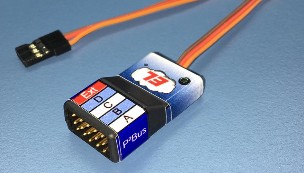
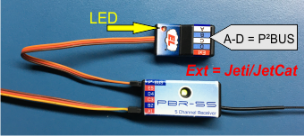
This small, lightweight adapter is simply plugged between the Core P² bus and the sensor. Power is supplied via the receiver (if the sensor does not have its own power supply). The ports A – D are real p²-BUS connections. Any CORE sensors can be plugged in here. The Port Ext provided a TeleBridge for the connection of Jeti compatible sensors. Configuration is very simple via the sensor menu in the core transmitter. (No programming device or similar is necessary) During setup, the values are read from the sensor and saved in the Tele-Bridge. The sensor values therefore only have to be read in once. The built-in status LED signals readiness for operation.
Bridging Jeti to CORE is done in three easy steps: (Klick at the Headlins for a smal movie)
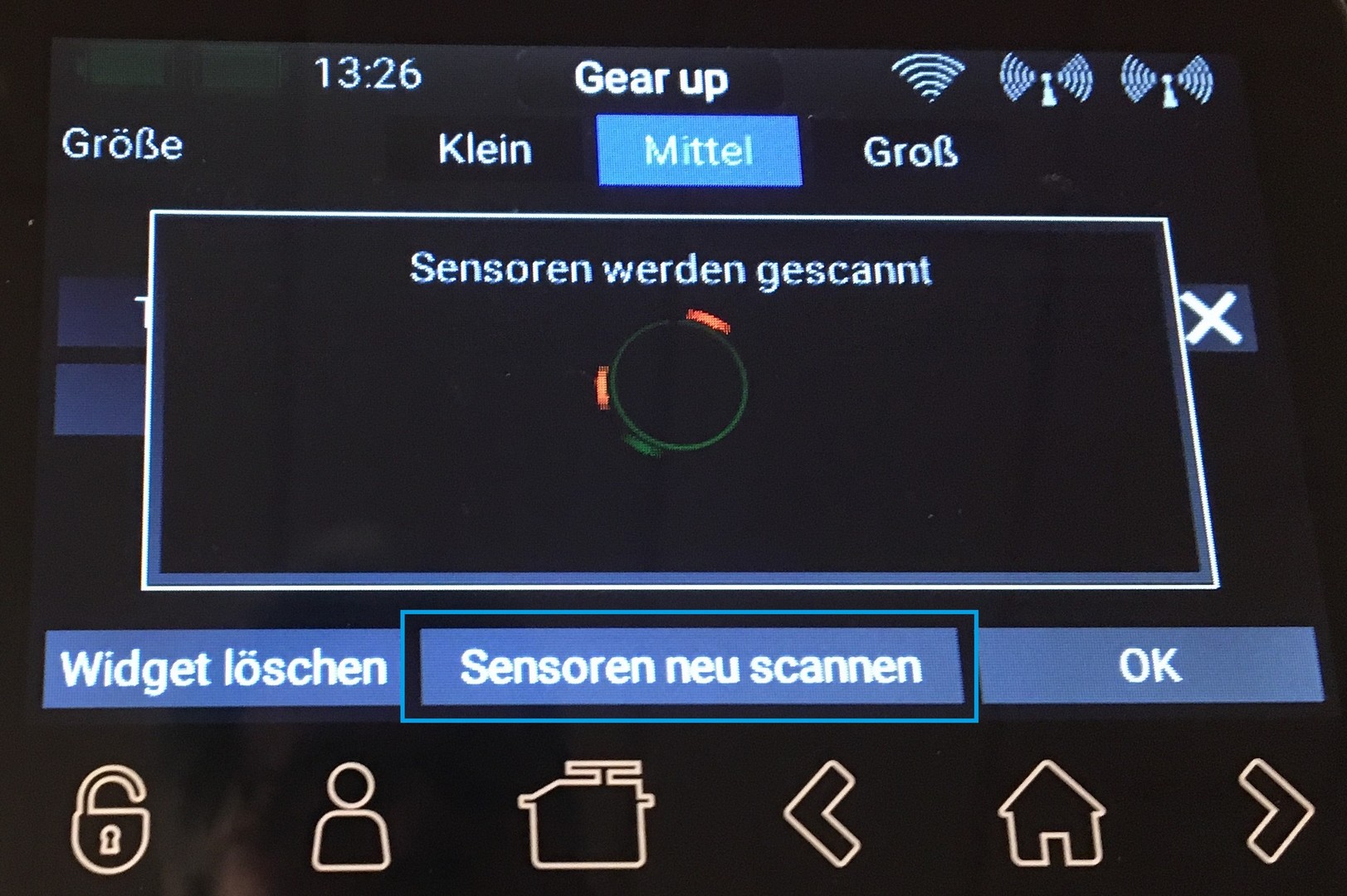
The connection to the P² bus of the CORE is made simply via the fixed connection cable of the Tele-Bridge. The Tele-Bridge is immediately ready for use and is recognized by the CORE transmitter. To start the detection, tap and hold the CORE display and then press [Rescan sensors].
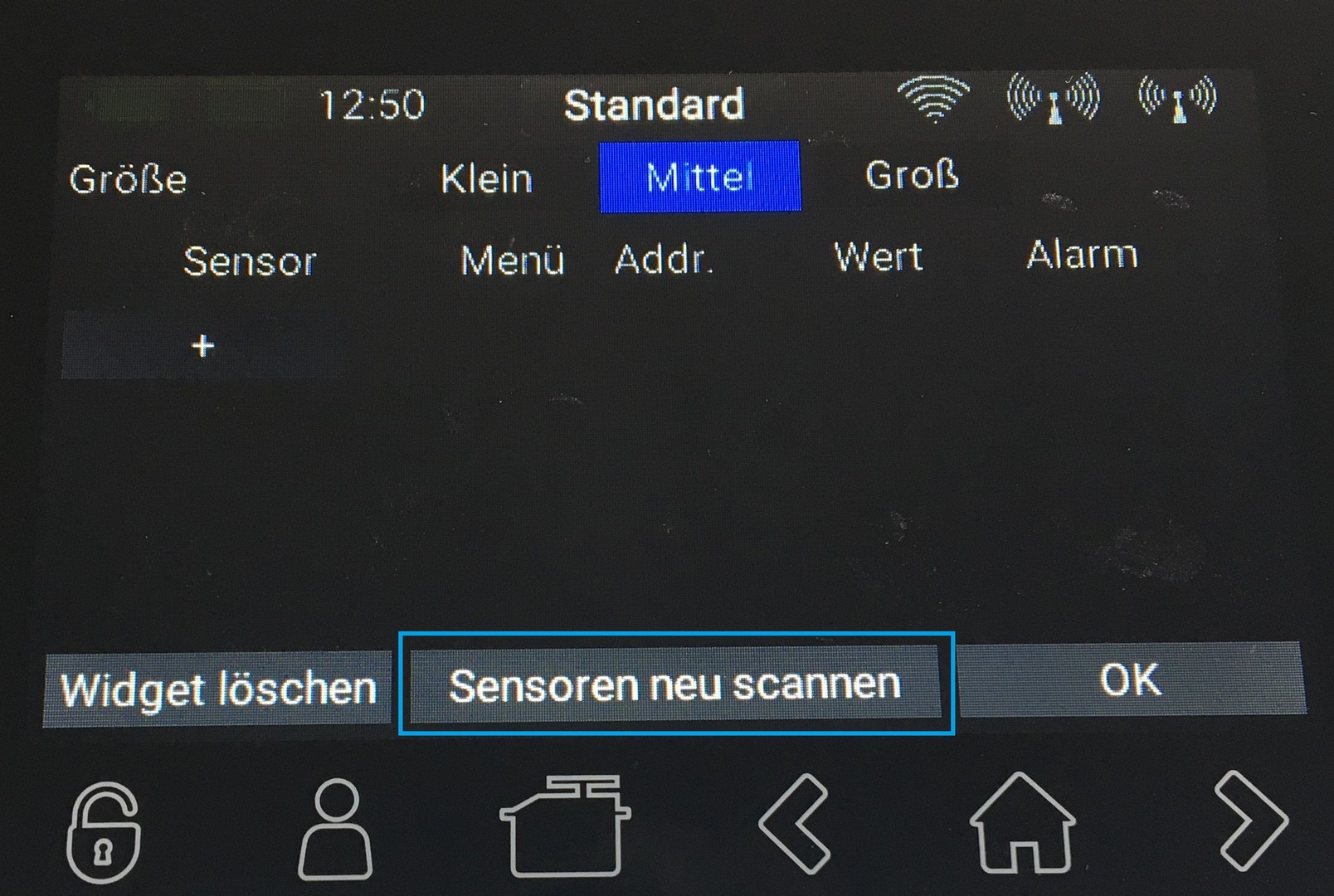
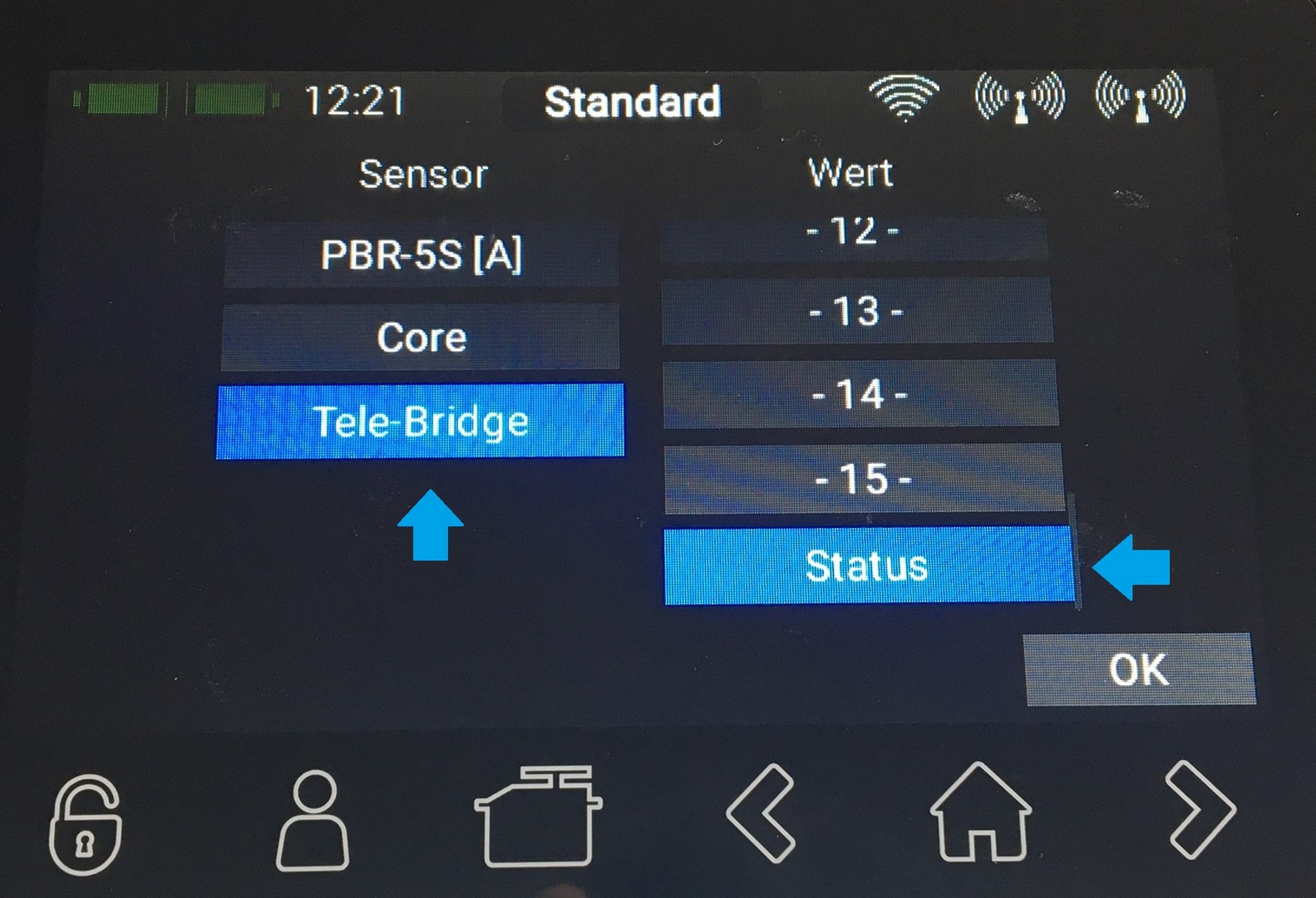
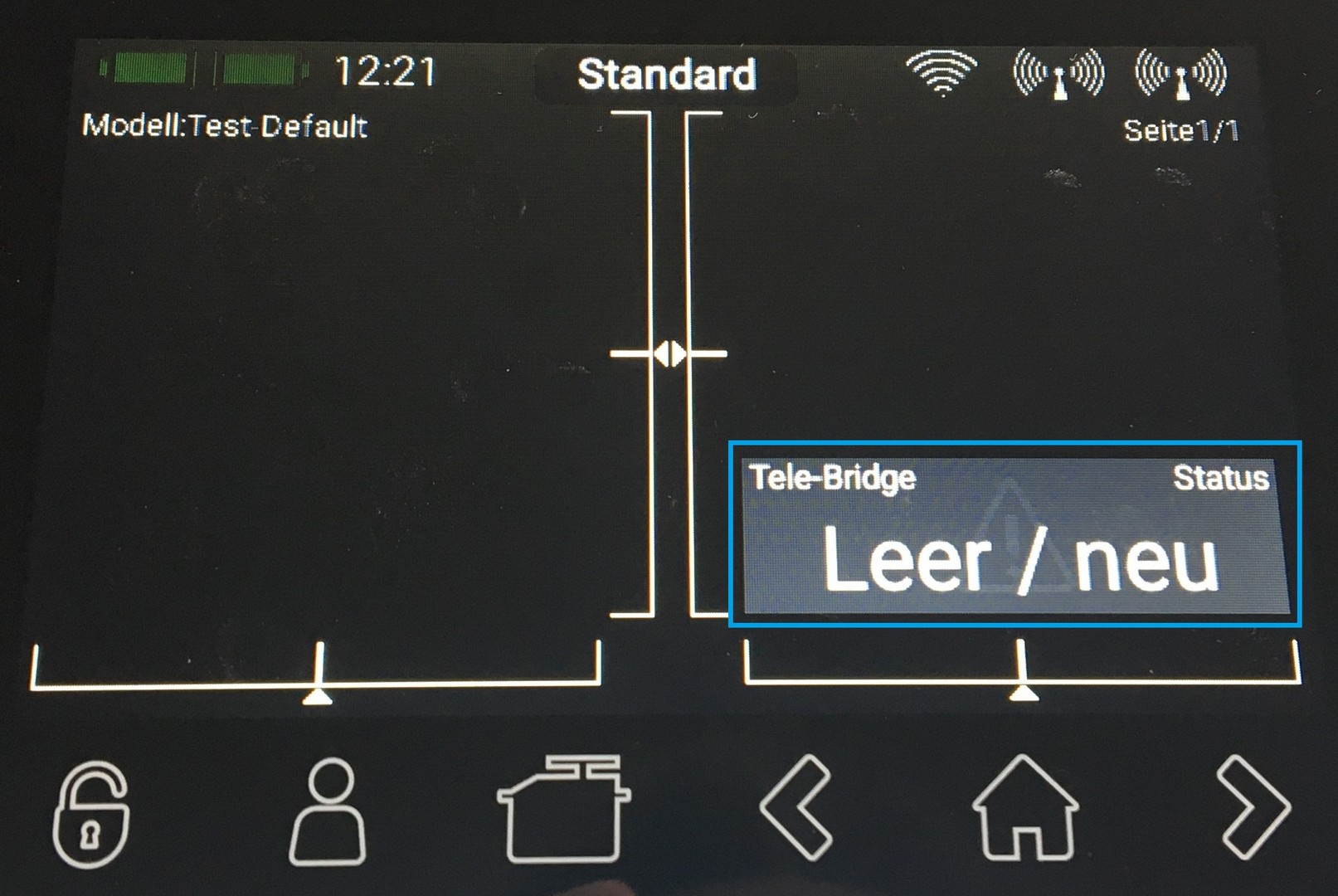
The Tele-Bridge receives the data from the Jeti sensor and forwards it to the P² bus of the CORE. In order for the telemetry data to be transmitted to the CORE, the data provided by the sensor must first be read in. To do this, the Tele-Bridge scans the sensor once on request.
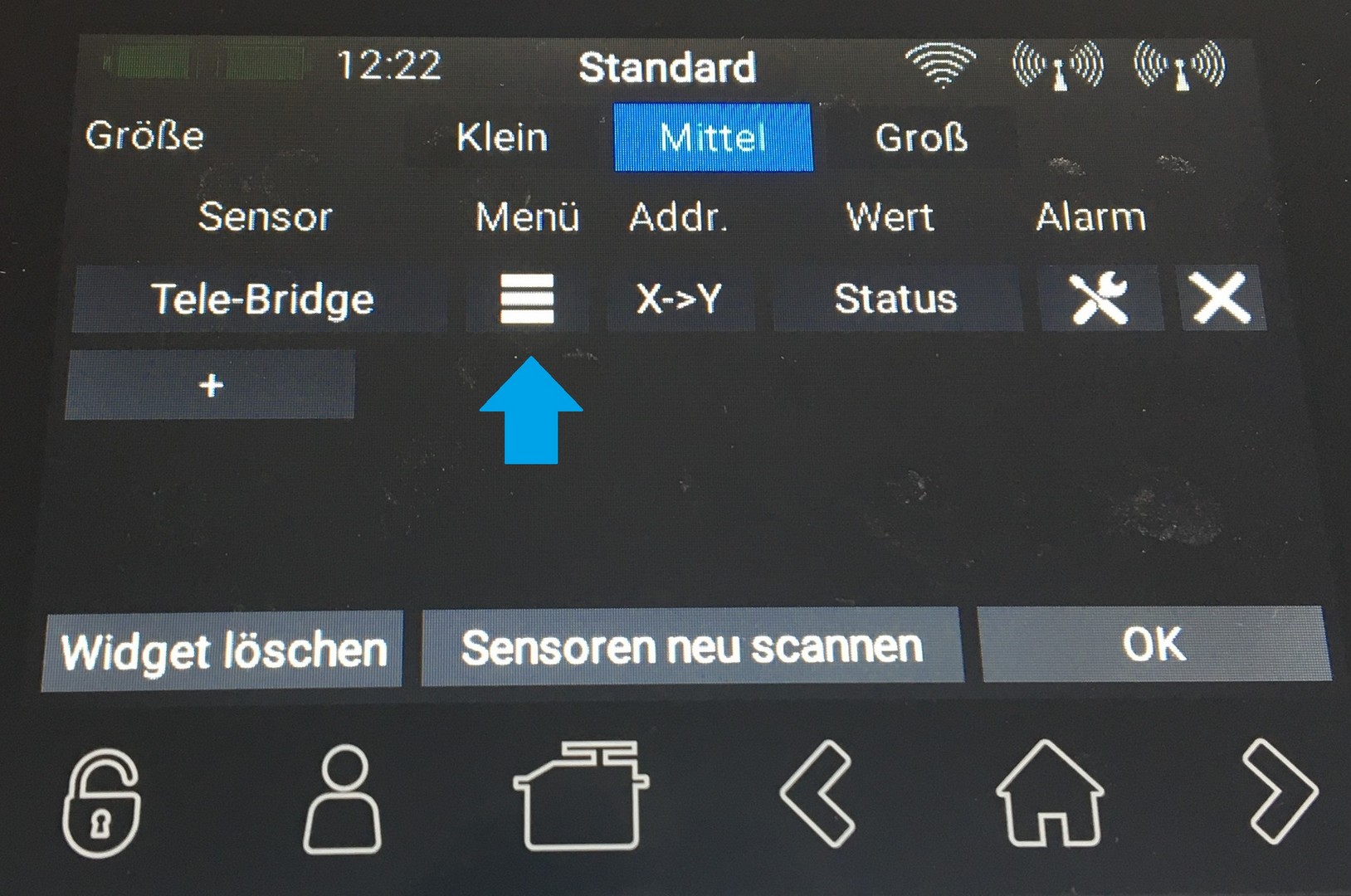
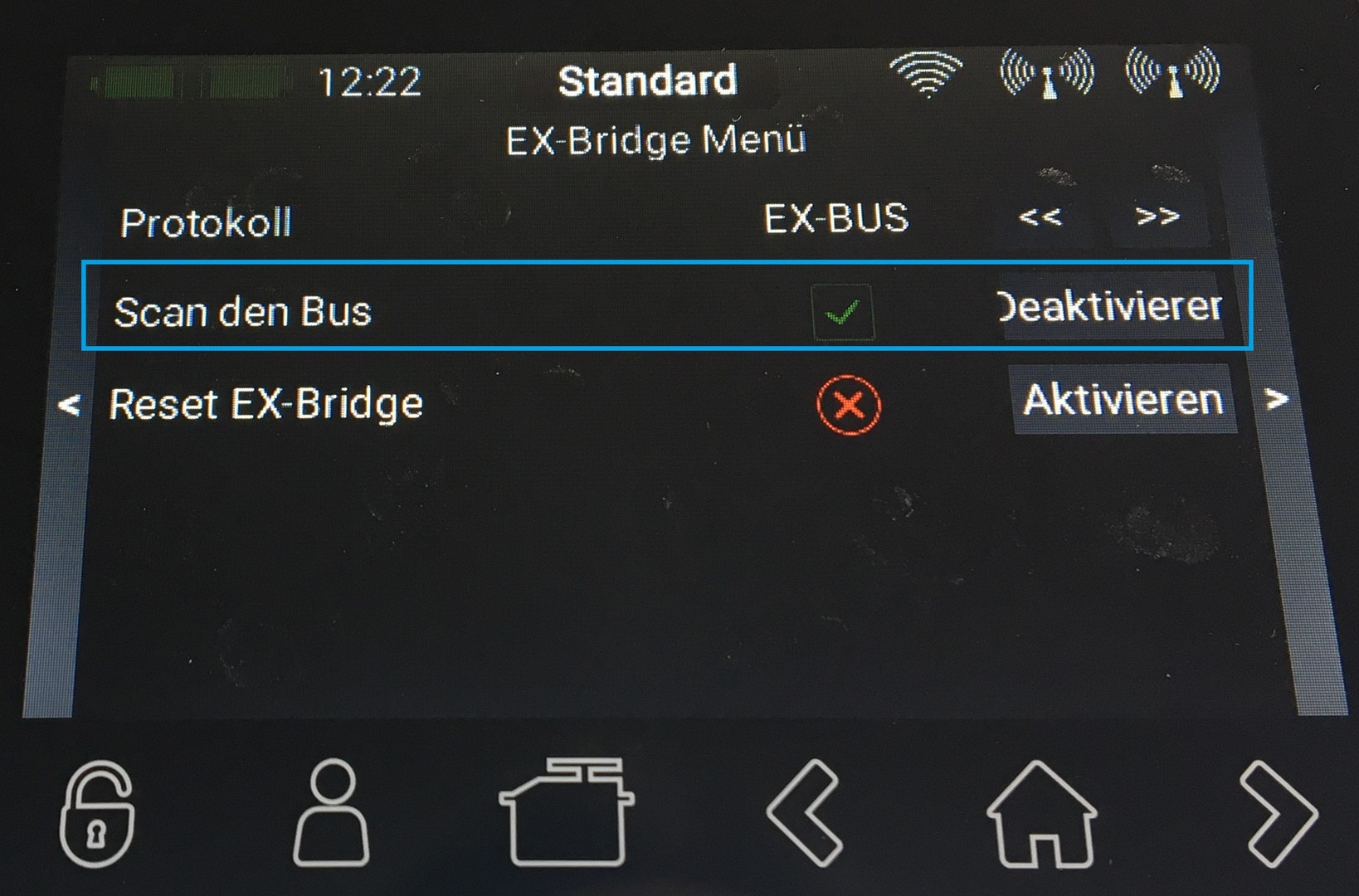
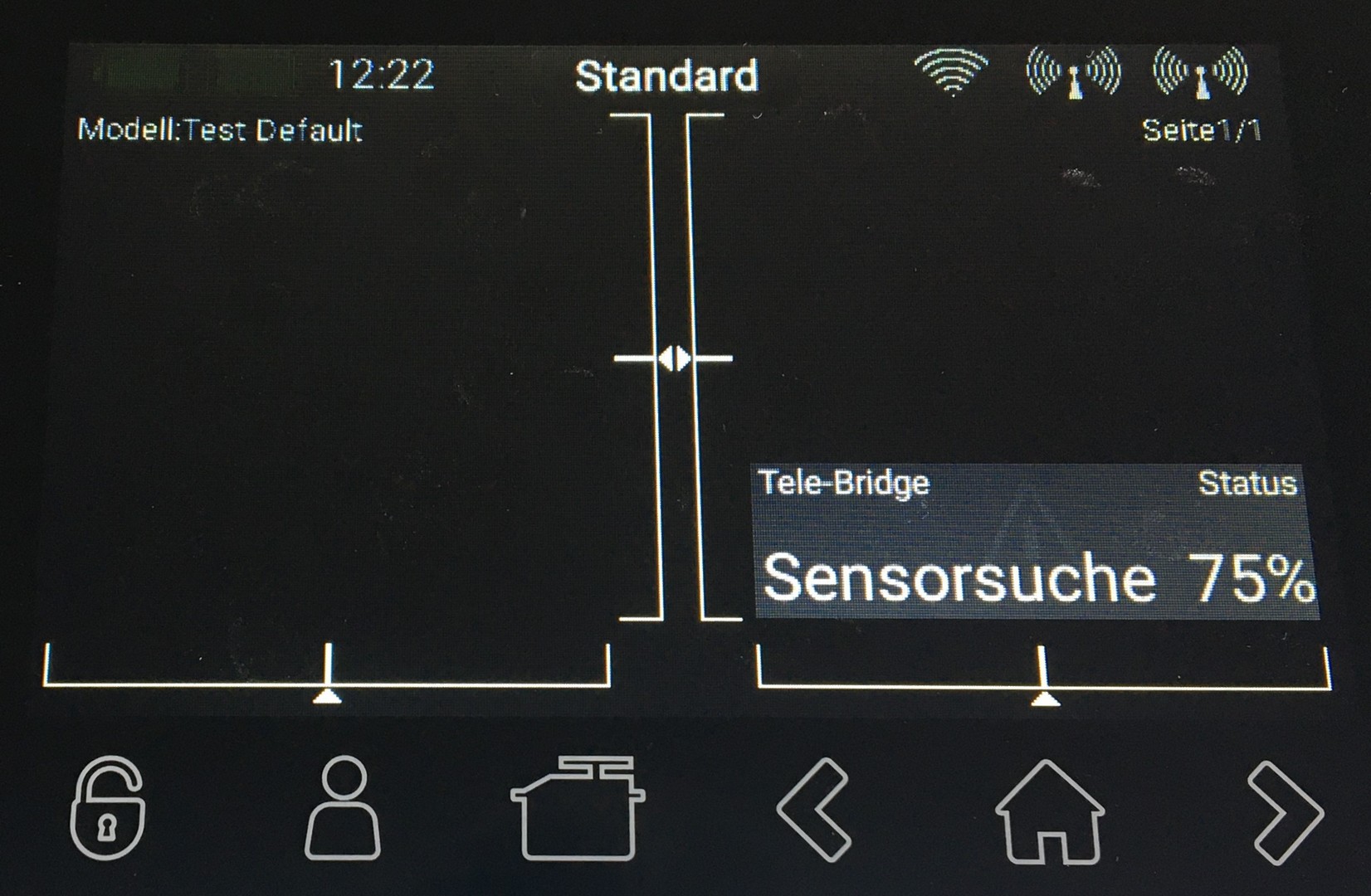
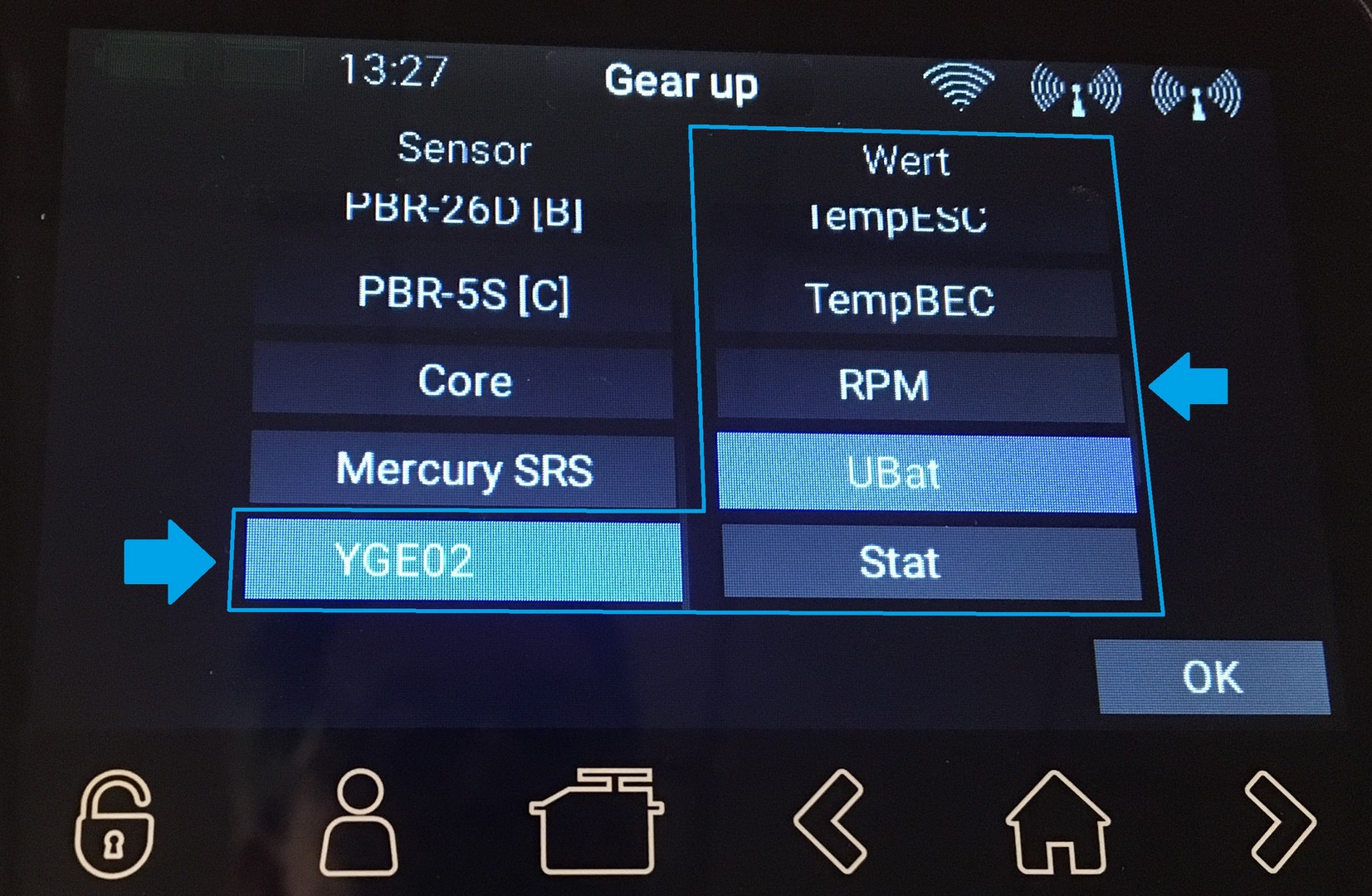
The data from the Jeti sensor is now available in CORE telemetry. A maximum of 15 values can be displayed per sensor. Select the values that you want to be shown in the CORE display. You can set the threshold values and alarms as usual in the CORE.
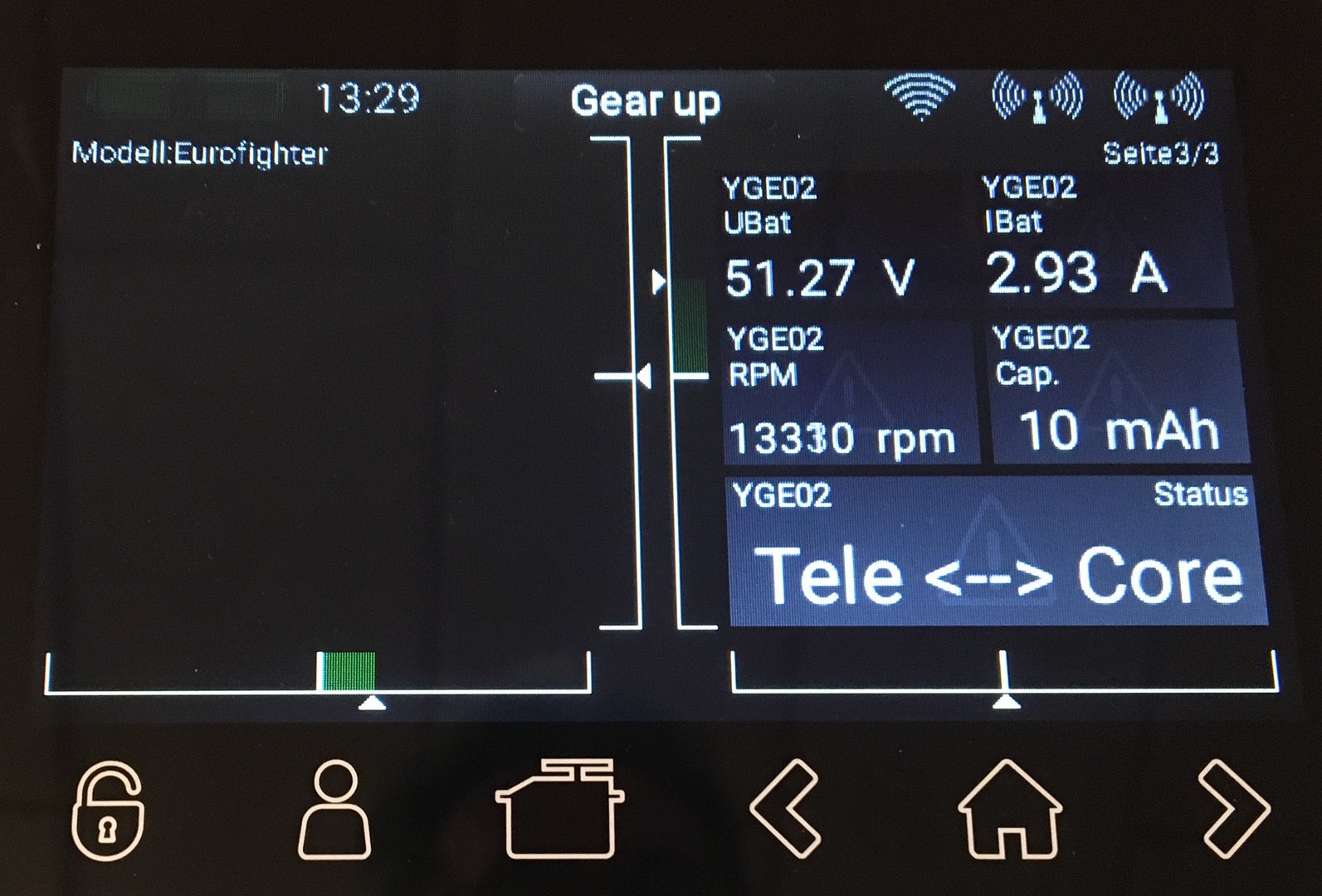
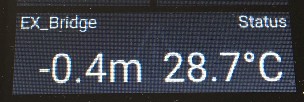
Not all sensors provide real EX or EX-BUS data. In these cases the Tele-Bridge supports the “simple text” protocol. The first two textlines sent, here are displayed directly in the status field of the CORE (both lines toggle every 2 sec.).
(The example shows the values of the Jeti MALTI altimeter)
### GPS and DATE/TIME Values are not supportet ###
Some Sensors are already tested:
Jeti-Master Spin PRO (TEXT), YGE 165HVT (EX-BUS),
Graupner BRUSHLESS CONTROL + T 160A HV ESC BEC (HoTT ESC)
Jeti CentralBox 100/200 (Jeti-EX), Jeti MBar (Jeti-EX), Jeti MT300 EX (Jeti-EX),
Jeti Malti (TEXT, Jeti-EX), Jeti MRPM (TEXT, Jeti-EX), Jeti MU3 (Jeti-EX), Jeti SBEC30 (Jeti-EX)
SmokeDriver (EX-BUS and Jeti-EX)
Kontronik TelME Jeti (EB-BUS)
Jeti MasterMEZON 135 opto (Jeti-EX)
JetCat PRO-Interface (JetCat ab Version 7)
Jeti MainSwitch 100/200 (Jeti-EX)
Jeti MSpeed (Jeti-EX)
JetCat ECU-V12 (JetCat ab Version 7)
Jeti MaxBec 2D plus (Jeti-EX)
Altis V4+ (Jeti_3RDEX)
Tow winch SSW-Pro (Jeti-3rd-EX)
YGE 135 opto (EX-Bus)
Scorpion Tribunus II (EX-BUS)
IBEX ESC (EX-BUS) since V11

Rezensionen
Es gibt noch keine Rezensionen.